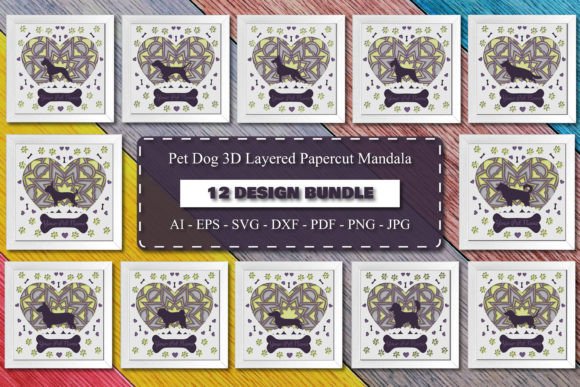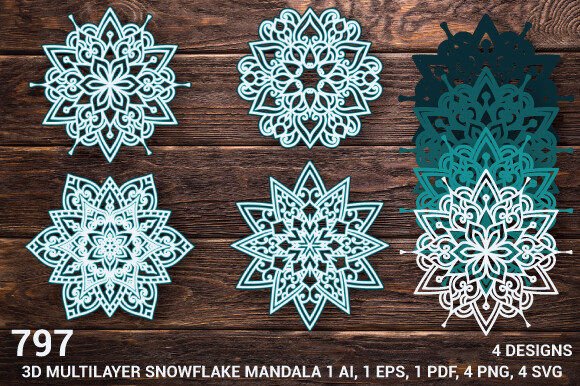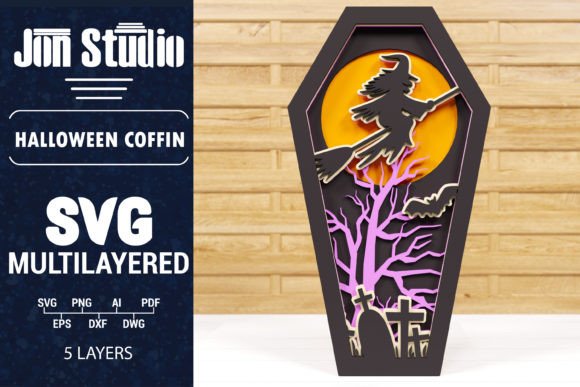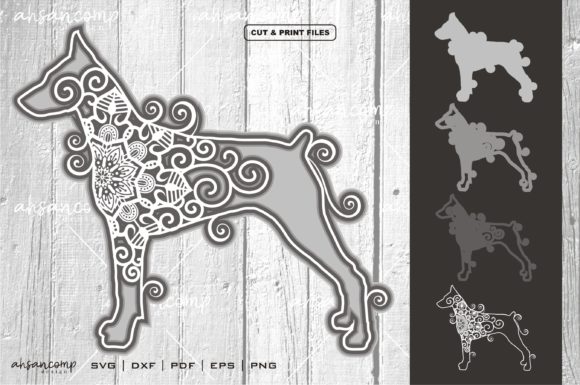
Compas Mandala Multilayer SVG 3D
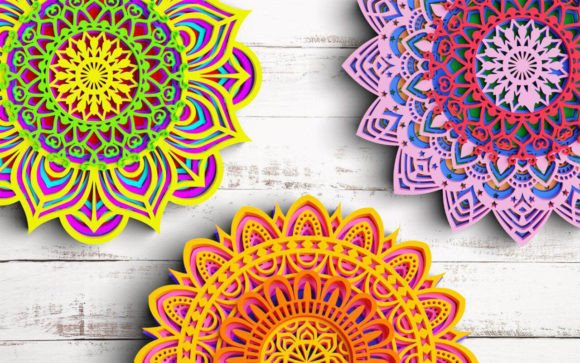
There is a specific kind of satisfaction that comes from watching a flat digital file transform into a tangible, dimensional object. It bridges the gap between the abstract world of design and the physical reality of our homes and wardrobes. If you have been searching for a vector asset that offers depth without requiring complex engineering skills, the Compas Mandala Multilayer SVG 3D design is worth your attention. This isn’t just another mandala; it is a structured, four-layer composition designed to create visual impact through separation and shadow.
For creators, small business owners, and hobbyists alike, the ability to produce high-quality, multi-dimensional crafts from a single digital purchase can significantly streamline workflows. Whether you are running a boutique Etsy shop, managing social media content for a brand, or simply looking for a meaningful weekend project, understanding how this specific vector behaves in real-world applications is key to getting the most out of it.
Understanding the Architecture of Depth
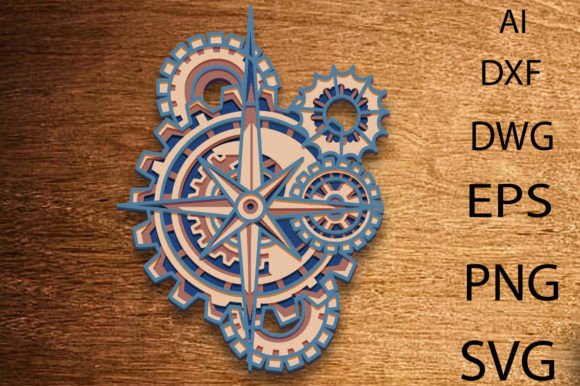
At its core, this design leverages the power of layering. The Compas Mandala Multilayer SVG 3D consists of four separate layers that, when stacked correctly, create a three-dimensional effect. This is not achieved through extrusion software alone but through precise cut lines that allow pieces to interlock or sit distinctly apart from one another. The result is a piece that casts subtle shadows and draws the eye inward, creating a sense of movement even in a static image.
The technical specifications support this versatility. The finished product measures approximately 10 inches in height and 7.4 inches in width. These dimensions are substantial enough to be a focal point on a wall or a table, yet compact enough to fit comfortably on standard cutting mats for machines like Cricut or Silhouette. The inclusion of multiple file formats—AI, EPS, PNG, SVG, DXF, and DWG—means that regardless of your preferred software ecosystem, you can open and edit this file. For those who need to scale the design up for large-format printing or down for smaller jewelry tags, the vector nature ensures crisp edges at any size, though the creator notes they are happy to assist with specific format or size adjustments if needed.
Real-World Applications Across Different Mediums
The true value of this asset lies in its adaptability. Because it is a clean vector cut file, it translates seamlessly across various materials and industries. Here is how different users might integrate this design into their daily operations or creative pursuits.
Home Decor and Wall Art
One of the most popular uses for multilayer mandalas is in home decor. Imagine a living room where a neutral-colored wall serves as a canvas. By cutting the four layers from contrasting woods—perhaps a dark walnut for the base, a medium oak for the middle, and a light birch for the top—you can create a striking piece of wall art. The shadows cast by the raised layers add texture to the room without adding clutter. This approach works equally well with colored cardstock or foam board for a more affordable, temporary installation during holiday seasons or parties.
Fashion and Apparel Customization
For entrepreneurs in the fashion space, particularly those focusing on custom t-shirts, tote bags, or hoodies, this design offers a premium touch. While traditional vinyl decals are flat, using layered vinyl or heat-transfer film (HTV) can mimic the 3D effect if applied with care. Even simpler, using the SVG as a guide for fabric painting or embroidery digitizing allows designers to create textured patterns that stand out against the fabric. A black hoodie featuring a white, layered mandala decal becomes an instant conversation starter, offering a sophisticated aesthetic that appeals to adults aged 20–50 who appreciate minimalist yet intricate designs.
Educational Tools and Workshops
Educators and workshop leaders often struggle to find resources that are both engaging and technically accessible. The Compas Mandala Multilayer SVG 3D serves as an excellent teaching tool for geometry, symmetry, and spatial reasoning. In a classroom setting, students can print the layers on cardstock and physically assemble them, learning about how two-dimensional shapes combine to create volume. For older students or adult education groups, it introduces basic CNC laser operation or plotter mechanics in a low-stakes, high-reward environment.
Digital Marketing and Social Media Content
Don’t overlook the digital utility of this asset. Bloggers, marketers, and influencers constantly need unique visuals to break up text-heavy posts. Instead of using generic stock photos, you can use the PNG or SVG files to create custom graphics for Instagram, Pinterest, or blog headers. The layered look adds professionalism and uniqueness to your brand identity. You can animate the layers slightly in video editing software to create dynamic intros for YouTube videos or TikTok clips, giving your content a polished, bespoke feel that stands out in a crowded feed.
Practical Considerations Before You Start
While the potential is vast, successful execution requires some foresight. Downloading the ZIP folder is just the beginning. To achieve the best results, consider the following practical aspects:
- Material Selection: The choice of material dictates the final look. Wood provides warmth and durability, ideal for permanent decor. Vinyl is cost-effective and great for apparel, but achieving a true "3D" look may require stacking multiple layers of adhesive vinyl, which increases thickness and weight. Paper is the easiest to experiment with but is fragile and less durable.
- Cutting Machine Calibration: Whether you are using a laser cutter or a blade plotter, precision is paramount. Misaligned cuts will ruin the layering effect. Ensure your machine’s bed is level and your blades or lasers are sharp. Test cuts on scrap material are always recommended before committing to expensive substrates.
- Assembly Technique: The magic happens in the assembly. You will need to decide how the layers connect. Some designs include tabs for interlocking, while others rely on spacers (like small dots of glue or foam tape) to maintain distance between layers. Planning your assembly strategy before you start cutting saves time and reduces waste.
- Software Proficiency: Although the file comes in AI, EPS, and other formats, comfort with your specific software matters. If you are new to Adobe Illustrator or Inkscape, take time to explore the layer panel. Understanding how to isolate and manipulate individual paths within the SVG will give you the flexibility to modify colors, sizes, or even rearrange elements to better suit your project.
Why This Design Stands Out
In a market saturated with simple line-art vectors, the Compas Mandala Multilayer SVG 3D offers something different: complexity with clarity. It respects the user’s intelligence by providing a structure that invites creativity rather than dictating a single outcome. It is not just a picture; it is a blueprint for creation.
For the freelancer designing a logo, this can inspire brand marks. For the educator, it is a lesson plan. For the hobbyist, it is a fulfilling afternoon project. The versatility of receiving six different file formats means you are never locked into one workflow. You can edit in Illustrator, cut in Silhouette Studio, or import into CAD software for laser processing.
Ultimately, the value of this digital product lies in the outcomes it enables. It transforms a simple geometric concept into a personalized gift for family, a unique addition to a home office, or a standout item in an online store. By focusing on the practical application of these layers, you move beyond mere consumption of digital assets and into the realm of active creation. Whether you are scaling up for commercial production or crafting a single thoughtful present, this design provides the structural foundation for high-quality, visually compelling results.
If you are ready to bring some dimension to your next project, this multilayer mandala offers a robust, adaptable, and aesthetically pleasing starting point. With the right tools and a bit of patience, the transition from a flat SVG to a stunning 3D object is entirely within reach.